Dr.Web Firewall filters traffic on the application level and, therefore, controls the access of applications to network resources. To view the information on the Internet traffic of applications installed on your mobile device, as well as to configure the connection rules for them, open the app screen (see Figure 39).
Two tabs are available on the screen:
•Statistics allows you to review statistics on traffic use of any app on the device and change the individual app settings.
•Rules allows you to manage rules for connections established by apps.
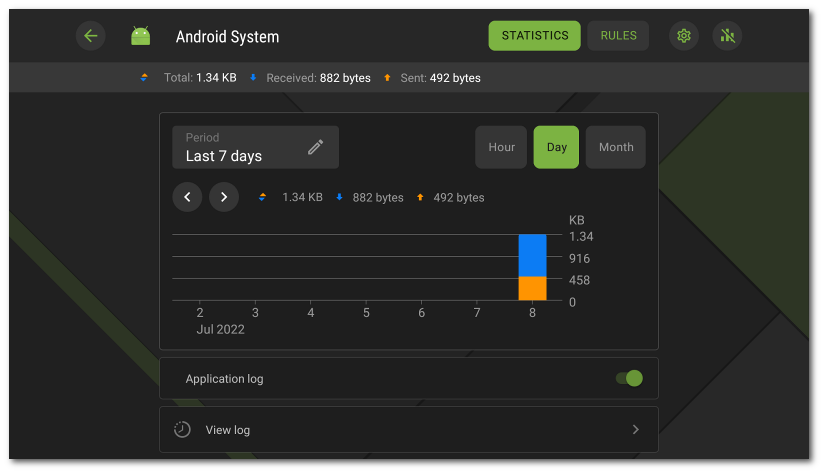
Figure 39: App screen
App group
Some system apps can be combined into a group. To view the list of apps in a group, on the app screen, tap the counter to the right of the App group header.